If you have been following my posts long enough, you may remember (probably not) one about a Dell Precision T3610 I made a long time ago (jeez, nearly 5 years ago now). The main focus of that post was a weird performance issue it had unless I put it to sleep and woke it up after a reboot. I still have not found the root cause of that issue but I still use that machine from time to time. I've almost scrapped it a few different times but have always found a reason to keep it around, including this little project. The specs have changed a little since the original post I made and the basics now include:
- CPU: Intel Xeon 2697v2 (Ivy Bridge) 12-core, 24-thread CPU
- GPU 1: AMD/ATI FirePro 2260
- GPU 2: nVidia Tesla K80
- RAM: 16 GB DDR3-1600 ECC
You can see more details of the latest configuration via reports from HWiNFO and CPU-Z.
In this case, the FirePro card is used purely for display, replacing an nVidia Quadro K2000 to avoid conflicts while the K80 is the real star. Previously, this machine had 64GB of RAM but was reduced as part of troubleshooting. I may add additional RAM but for the moment, I don't need it.
The real purpose here was to get the Tesla K80 working which can be a challenge because it was designed to go into servers in data centers and not as a consumer card. Getting it to work in a standard PC, even a workstation like this can be somewhat difficult.
The Tesla K80 was an extremely powerful card when it was first introduced. It is a dual GPU card that was somewhat like having two GTX 780ti GPUs on one card. A modern equivalent would be something with dual GTX 5080ti GPUs. Several years ago, when they became too obsolete for data centers, you could find them dumped on eBay and other places for pretty low prices. I picked one up at the time and it's been sitting around ever since. Some people managed to get these to work for gaming despite the K80 not having its own display output, however, I intended to use it for BOINC. Some basic stats of this GPU include:
- GPU: GK210 x 2
- Architecture: Kepler 2.0
- Base Clock: 562 MHz
- Boost Clock: 824 MHz
- Memory Clock: 1253 MHz
- Shading Units/CUDA Cores: 2496 x 2 (4992 total)
- VRAM: 12 GB GDDR5 X 2 (24 GB total)

There are several challenges with using a K80 with a regular desktop system. First are the power requirements. This is a 300 watt card so it is pretty power hungry. The bigger problem is that it uses an EPS CPU style power connector. Fortunately, there are plenty of cables around that will adapt this to two more common 8-pin PCIe power connectors.
A more significant problem is cooling. This card was designed to sit in a server that had powerful fans funneling air through it. This card has no active cooling yet it definitely needs it. There are a couple of solutions. I've seen people strip off the clear plastic cover and use a slot cooler designed for GPUs. Another approach is a 3D printed shroud that fits on the end of the GPU and can accept a small server style fan to force air down its length. This is the approach that I went with.
The biggest problem of all, however, is finding a suitable machine in which it will work. First, there has to be enough room in the case. This is a fairly large full length, dual-slot card. You need room for it plus room for whatever cooling solution you choose. In the T3610 the fan mounted on the end of the card almost touches the front of the case. Second, because of the large amount of RAM this card has, your machine must support 'Above 4G Decoding'. This isn't much of a problem in a modern machine but there are far better cards for modern machines. However, it could be a problem for more era appropriate machines. This feature wasn't common until the Ivy Bridge era and even then, many machines didn't have it.

Even once you met all of these requirements, things aren't necessarily guaranteed to work. For instance, the first machine I tried this in was an i7-4770K (Haswell) based machine with a relatively low end Asus motherboard. It did have the above 4G decoding option int the BIOS but once the card and drivers were installed and the system was rebooted, the card didn't work. In device manager, it showed a 'Code 12' error which has something to do with PCIe resources. There weren't enough and no amount of disabling things in the BIOS that I wasn't using helped. I could get it to half work in a convoluted manner. Each of the two GPUs shows up as a separate entry in device manager. If I installed drivers and did not reboot, then one of the two GPUs would function. However, once rebooting, neither worked. I could then get one of the two GPUs working again by reinstalling the drivers (and not rebooting). Needless to say, I did not find this to be an acceptable way to use this card.
I had been researching using this card on various Dell and HP workstations including the Precision 3600, Precision 3610, Precision 5810, Z820, and Z840. The Precision 3600, Precision 5810, and Z820 did not have the required 'above 4G decoding' option or appropriate PCI resources. The Precision 3610 did but all of these machines shared another common problem: they could not supply the necessary 300 watts of power no matter how large of a power supply it had in it. This has to do with the way these server power supplies and their associated power distribution boards are designed. For whatever reason, no single 12v rail can support more than 216 watts. Add the 75 watts supplied by the PCIe slot and you only get 291 watts. This card needs 300 watts and supposedly it can briefly draw more than that under load. These machines can supply 300 watts+ total when using multiple cards because of the 75 watts each slot provides. However, trying to provide that much power to a single card is problematic.
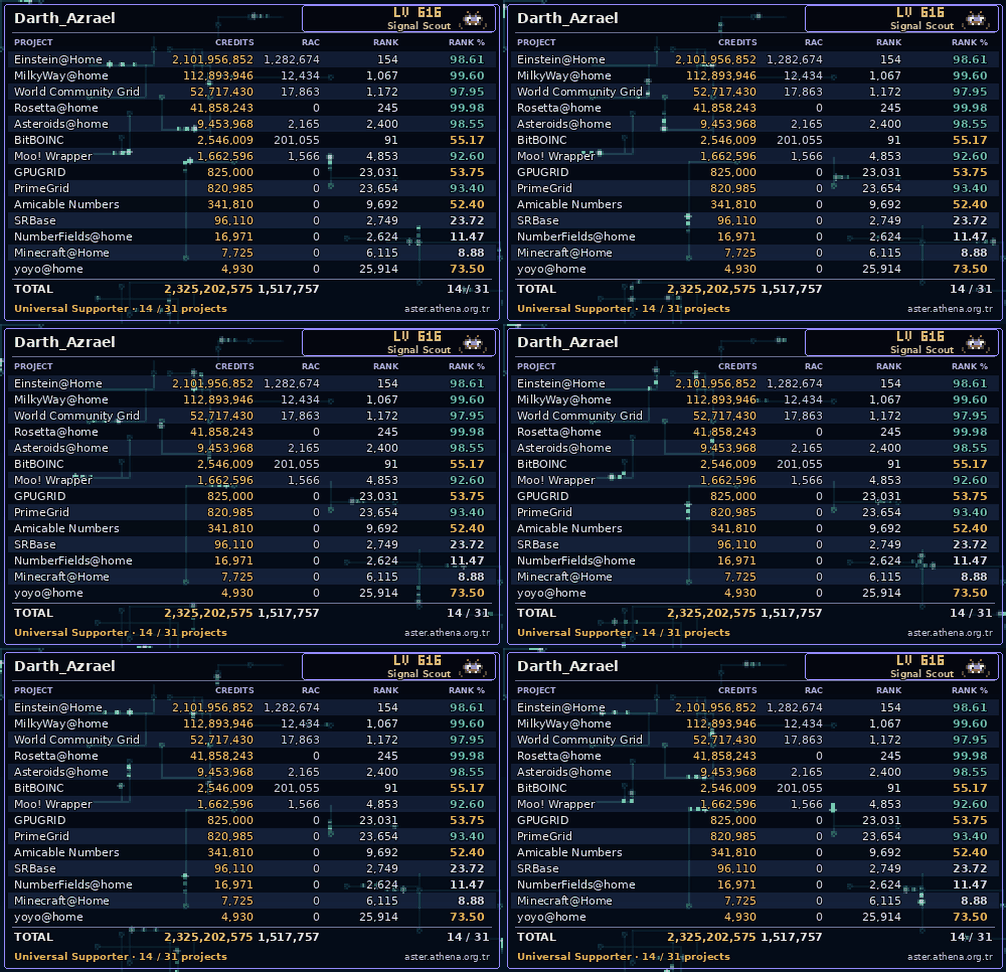
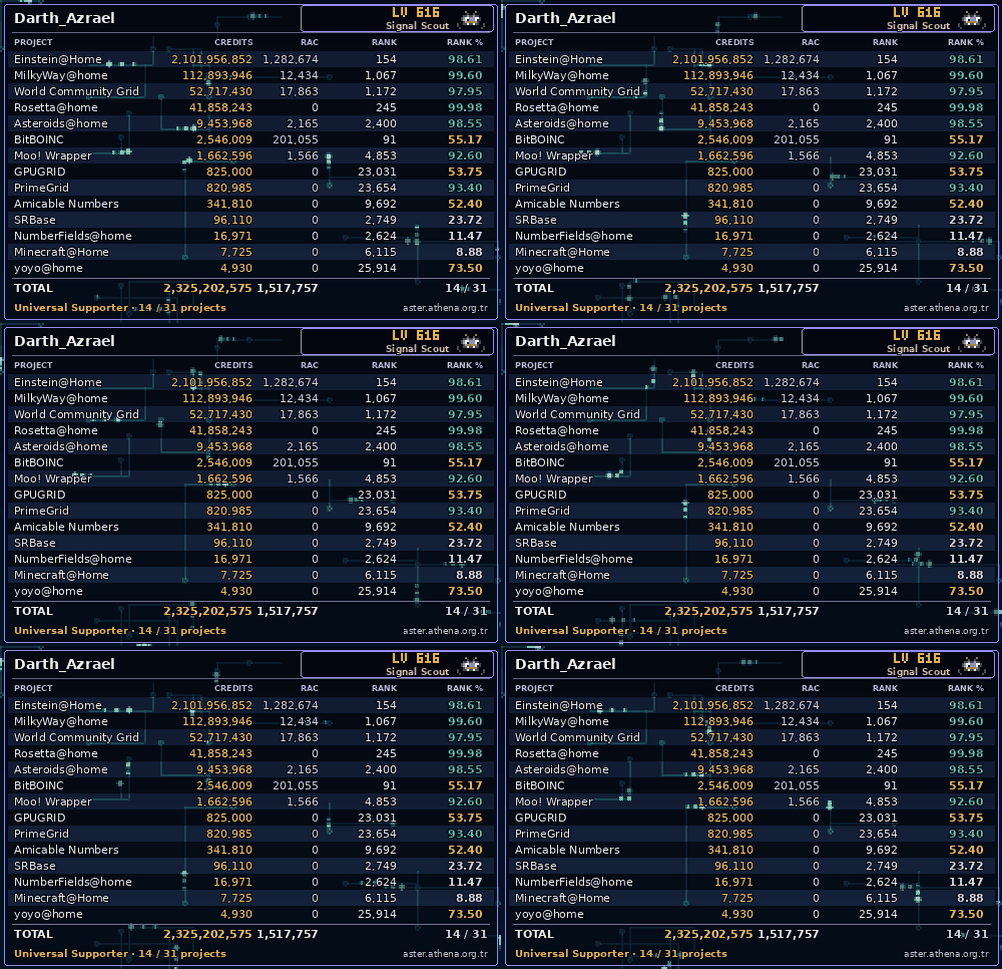
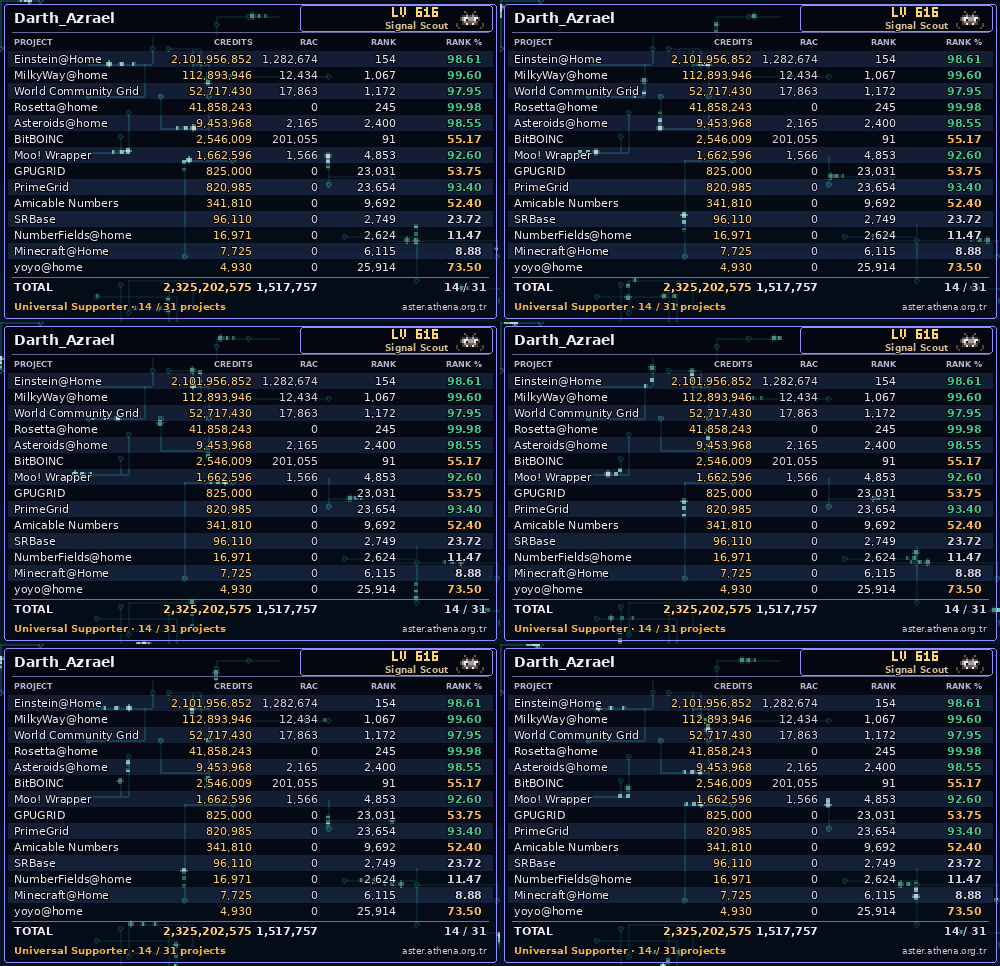
My primary use case for this card was going to be running BOINC, specifically einstein@home tasks. When experimenting on that Asus motherboard I mentioned, using only one of the GPUS, peak draw seemed to only be about 100 watts, even running multiple work units. This means I would probably be ok as that theoretically means that both GPUs, wouldn't exceed 200 watts or so. However, I didn't really want to take the chance so another solution was to reduce the maximum wattage the card draws. This can be accomplished with nVidia's 'nvidia-smi' tool. By default, each card is set to draw up to 149 watts. I lowered that to 135 watts which supposedly minimally impacts performance and theoretically will prevent the card from drawing too much power. The only other thing I had to do was acquire the right power cabling. This included a cable that adapts the Dell's proprietary 8-bin PCIe connector on the power distribution board to two standard 8-pin PCIe connectors to use with the adapter I already had for the card's EPS connector. I also had to get a SATA power to 4-pin fan power connector to power the fan I was using for the K80 as that was the only other type of power connector I had available in the machine.

There was one last quirk unique to my situation. The K80 apparently does not like to be put to sleep. Whenever I put my machine to sleep and woke it up to resolve the aforementioned performance issue, the machine would end up crashing with some error related to the K80. To resolve this, i had to disable each of the K80s GPUs in device manager before putting the machine to sleep and then re-enable them after waking it up. A bit of a pain but the good news is that everything seems to work fine with the K80 currently crunching on 6 Einstein@home tasks. I had tried 8 but ran into a problem with BOINC where it would report too little 'CPU/GPU memory' and pause some of the tasks. I think this is probably related to the amount system memory which is only 16GB currently vs. the amount of GPU memory. Each Einstein@home tasks uses 2GB to 2.5GB of VRAM. Running 6 tasks (3 per GPU) seems to work fine. I'm not sure if I would really gain any efficiency by going to 8 tasks anyway.
Anyway, this is all just for fun. While the K80's performance is quite impressive for a card of its age, its pretty mediocre by today's standards. It comes in just below a GTX 1080 in terms of raw FP32 performance. Even something fairly modest today, like the GTX 3060, can easily outclass it.
Check out some of my other recent posts:
Vintage Photos - Lot 6 (525-528) https://ecency.com/@darth-azrael/vintage-photos-lot-6-525
Commodore User (August 1989) https://ecency.com/@darth-azrael/commodore-user-august-1989
Vintage Photos - Lot 6 (521-524) https://ecency.com/@darth-azrael/vintage-photos-lot-6-521
Digital Archaeology: Apple MacBook "Core 2 Duo" 2.4 13" (Black-08) https://ecency.com/@darth-azrael/digital-archaeology-apple-macbook-core
Check out my other Social Media haunts: Wordpress: https://www.megalextoria.com/wordpress Tumblr: https://www.tumblr.com/blog/darth-azrael Blogger: https://megalextoria.blogspot.com/ Blue Sky: https://bsky.app/profile/darth-azrael.bsky.social Odyssee: https://odysee.com/@Megalextoria:b Rumble: https://rumble.com/c/c-2385054 Daily Motion: https://www.dailymotion.com/Megalextoria
Books I am reading or have recently read: Four Past Midnight by Stephen King. Liberty's Last Stand by Stephen Coonts. Eruption by Michael Crichton and James Patterson.
Mine Monero in your browser! Earn Gridcoin while also helping various scientific projects by sharing your computer's idle CPU time!